
Wigle to Google Earth
To learn about Wigle basics, check this OSINTCurious blog post
Getting the Wigle data in JSON format
We will start by using Wigle API to download the data:
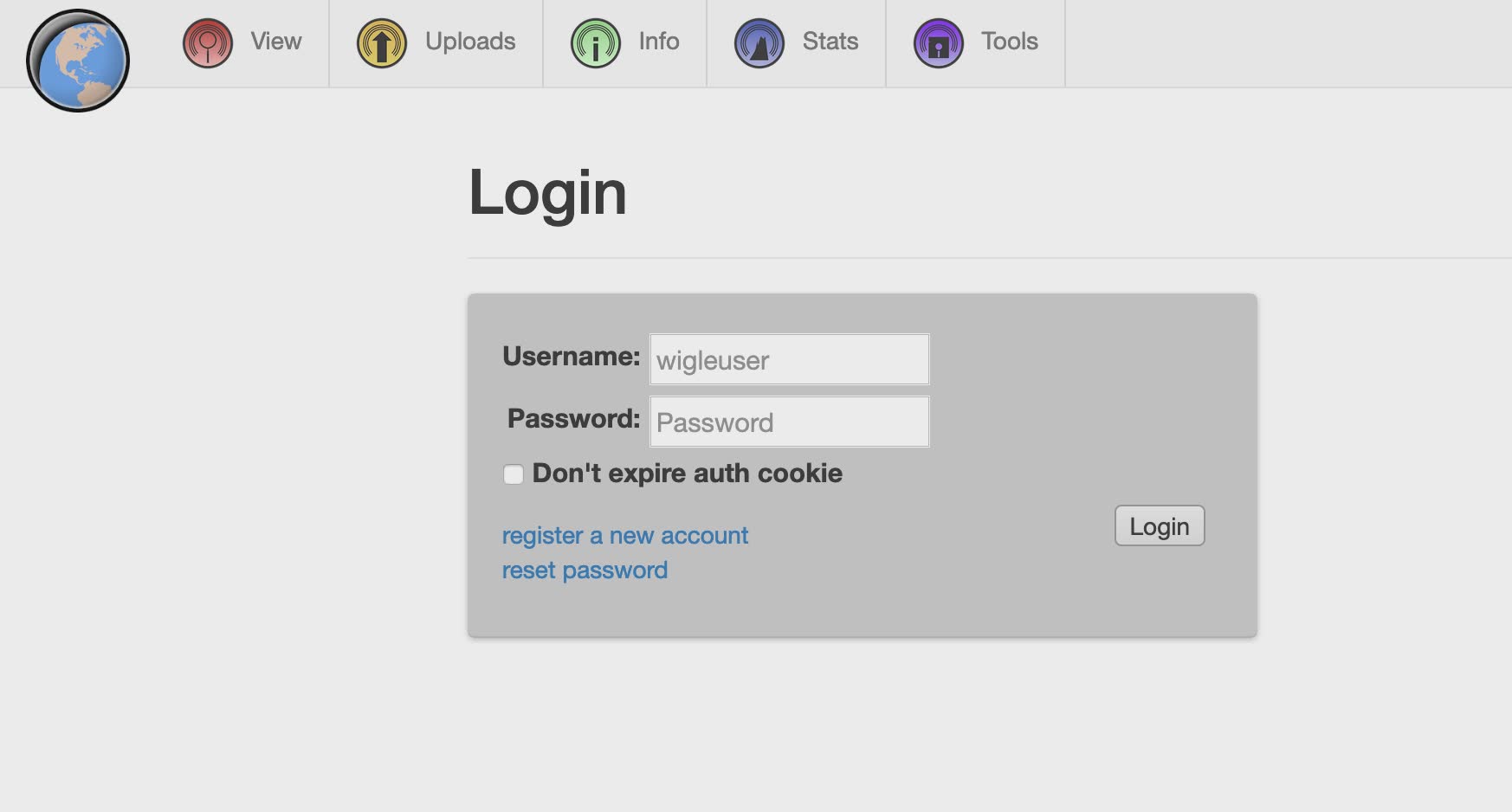
- Go to https://wigle.net/account and log to your account:
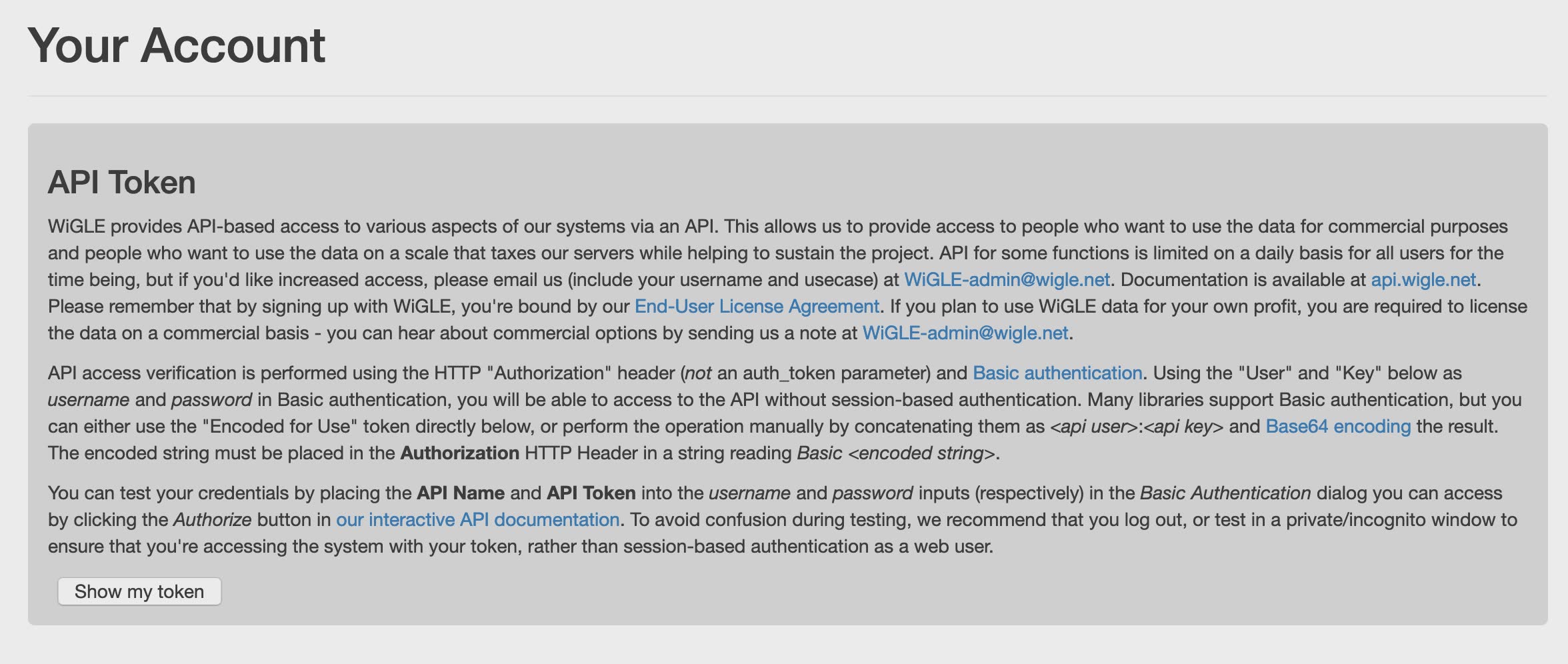
- Click show
my tokens
- In new tab open https://api.wigle.net/swagger
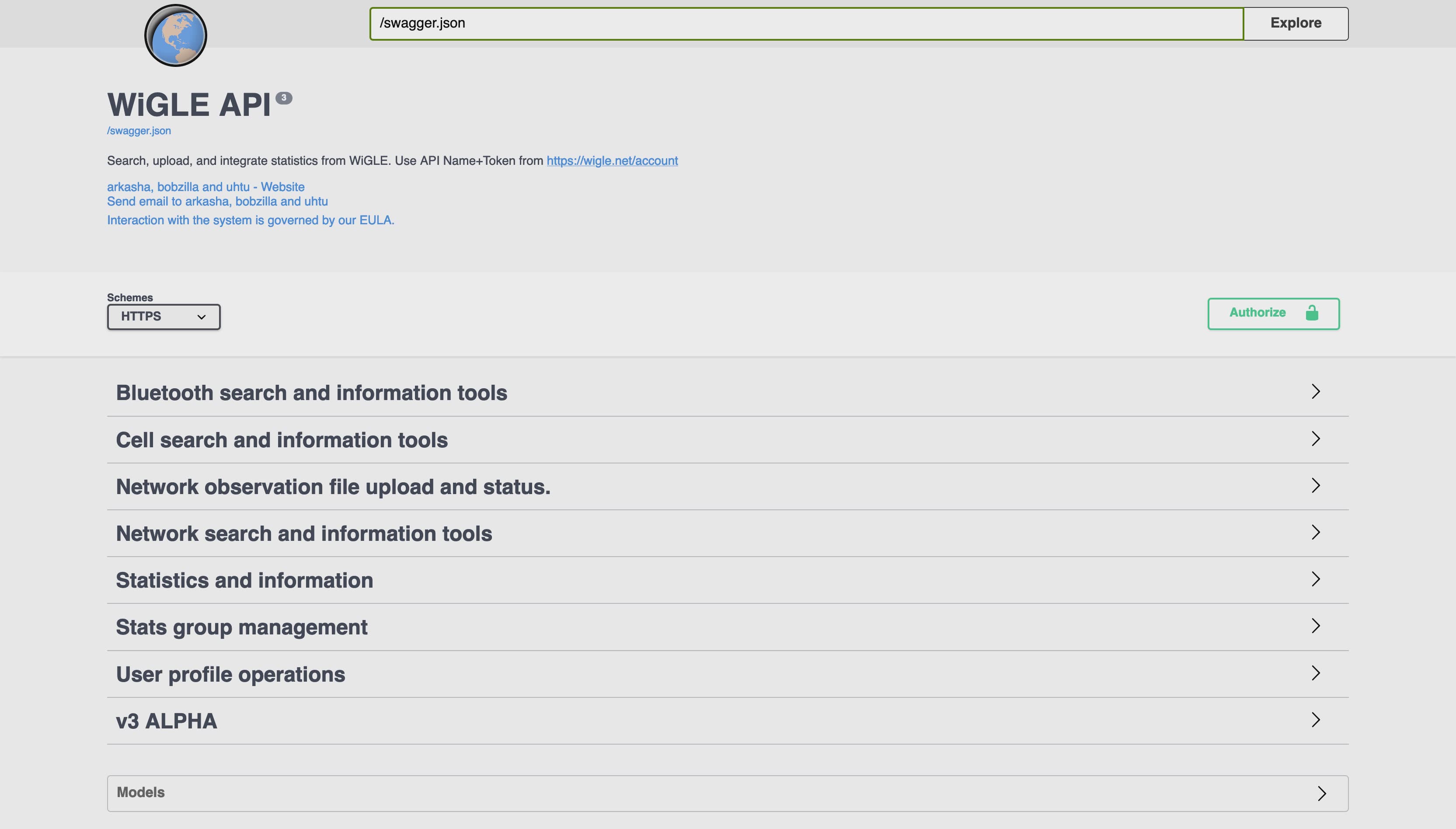
Click Authorize button on the right
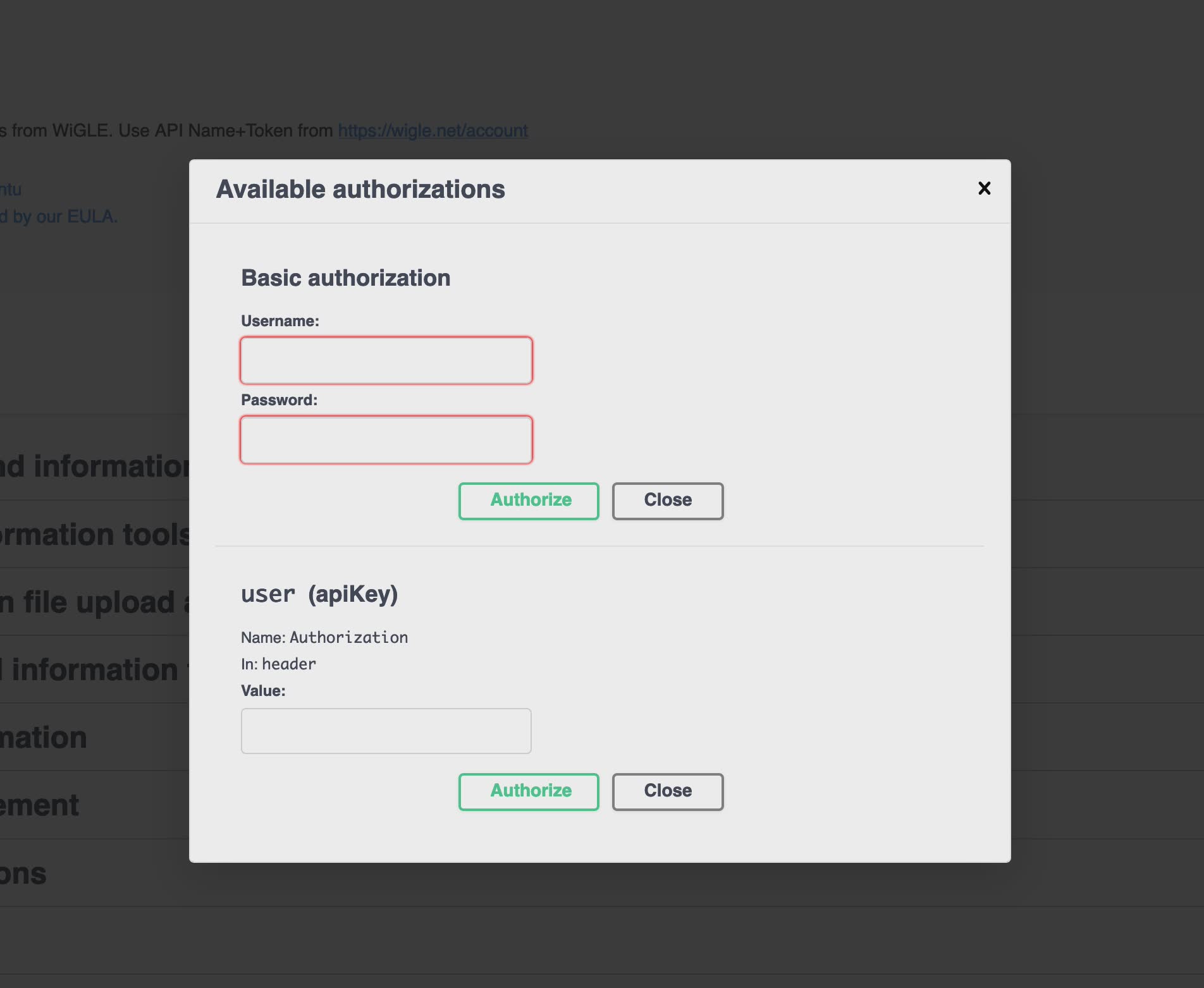
Copy the API Name and API Token from first tab into the username and password inputs (respectively) in the Basic Authentication dialog then click Authorize.
- Scroll down until you find “Network search and information” tools and click it

- Select
/api/v2/network/searchthen ClickTry it outbutton:
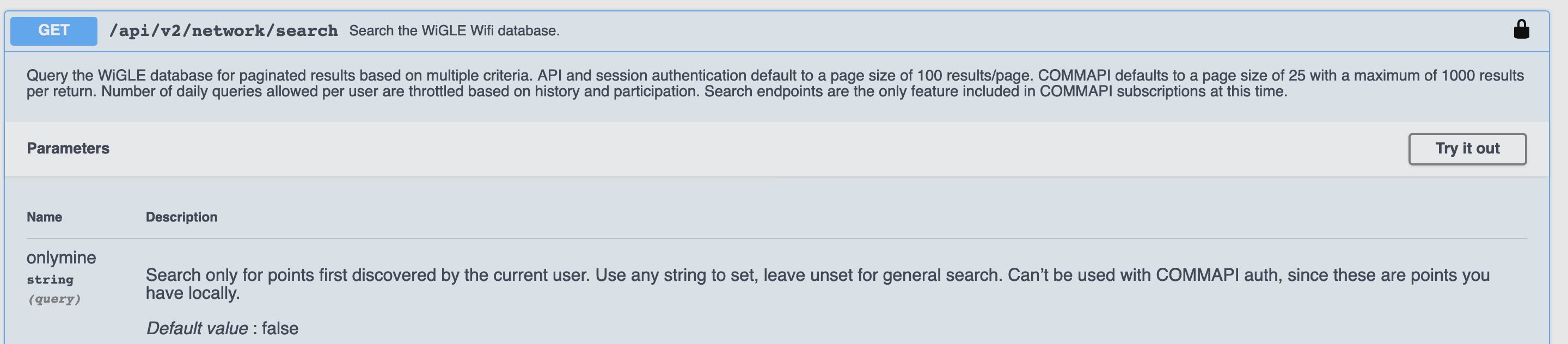
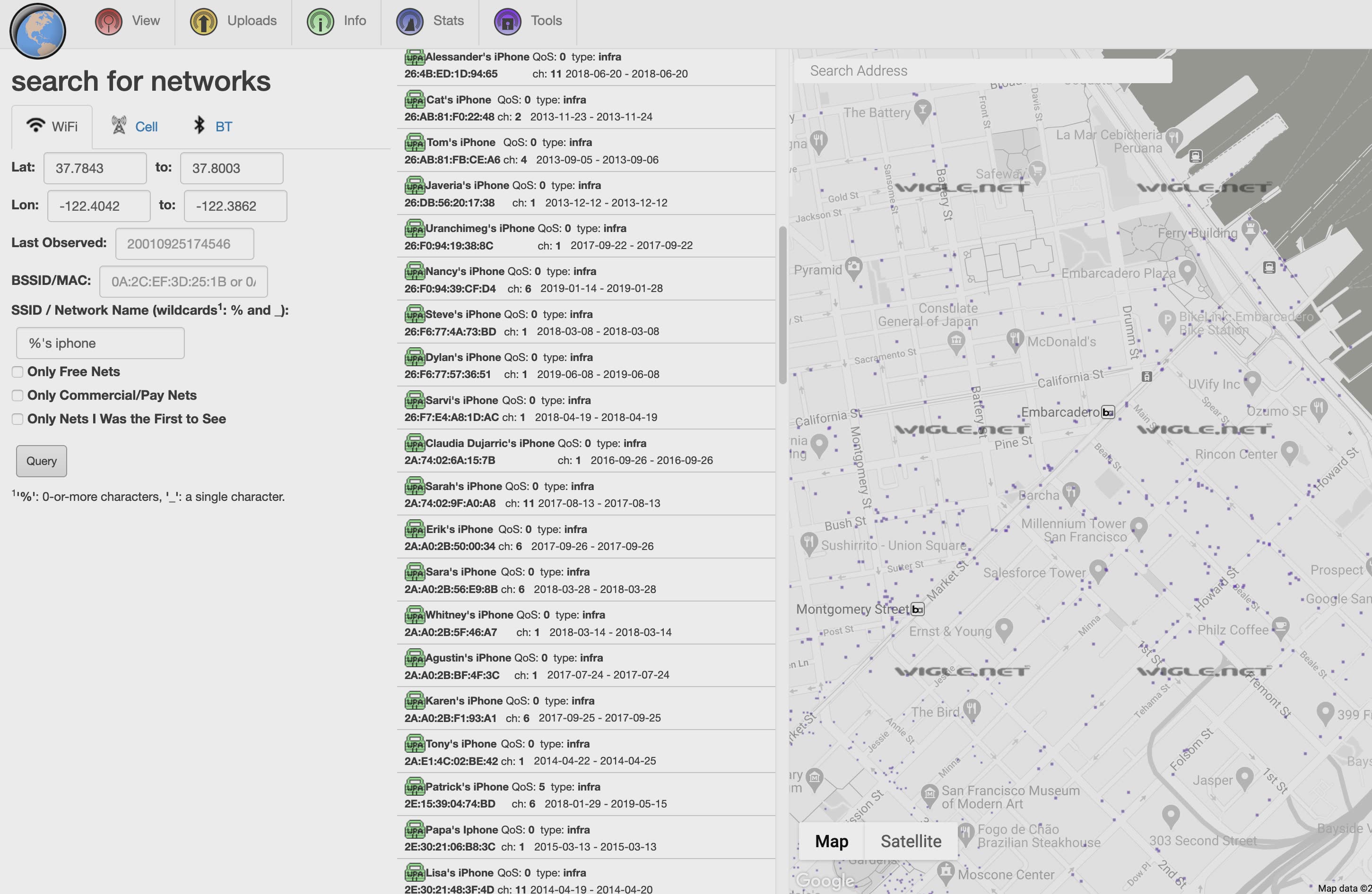
Fill the search details:
You can use https://wigle.net/mapsearch to find search and get specific address
longitudeandLatitude
Click Execute
The result per request is limited: Defaults to 25 for COMMAPI, 100 for site. Bounded at 1000 for COMMAPI, 100 for site.
You can use
searchAfterparameter to download multiple result pages.
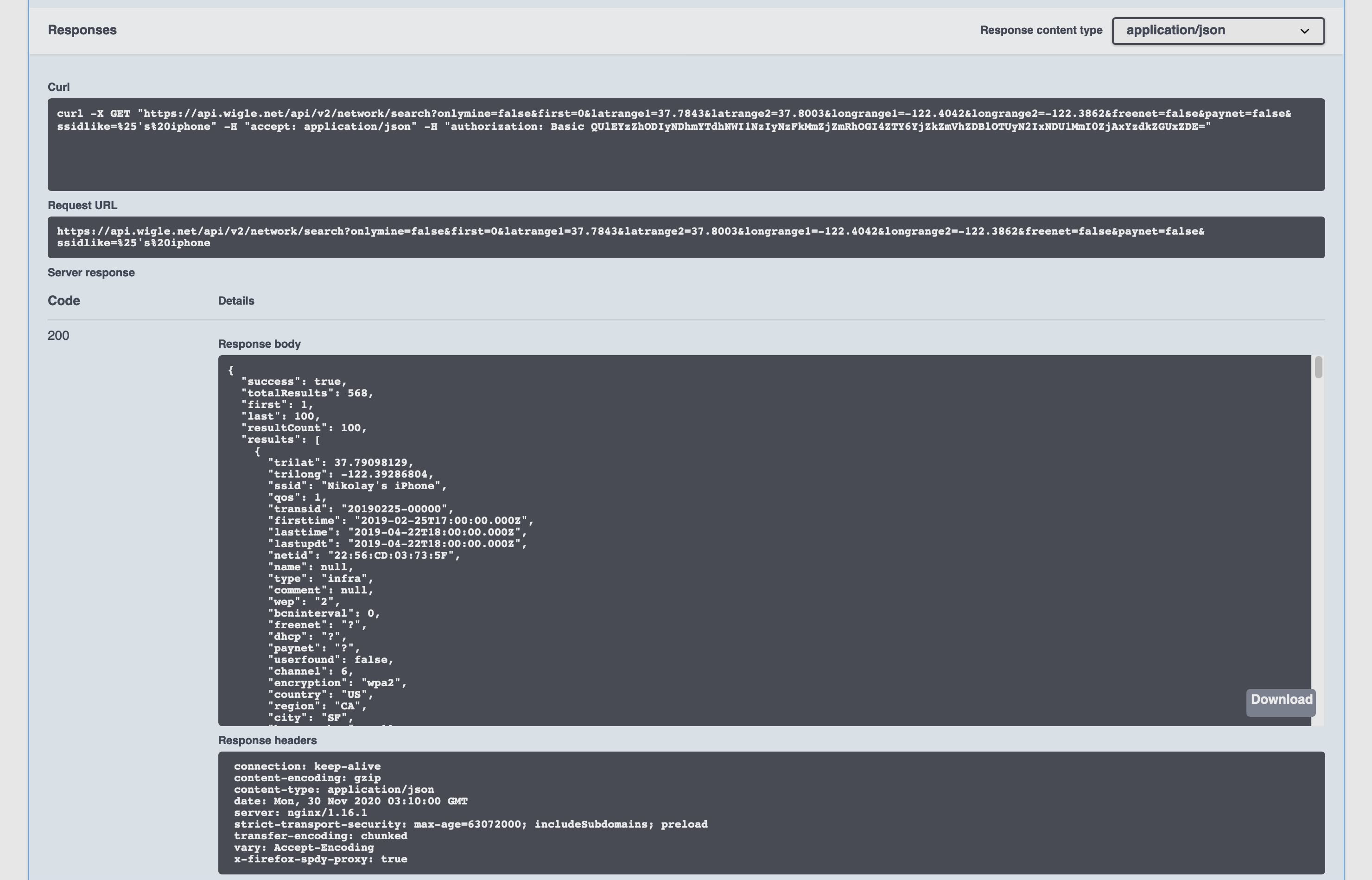
- Click Download
Now You have the result in JSON format file and we need to convert it to KML/KMZ to use it in Google earth.
KML
KML is an acronym for Keyhole Markup Language developed by Google and Keyhole, Inc. KMZ is the zipped version of a KML file. 1
KML and KMZ are file extensions used in Google applications, specifically Google Earth and Google Maps. 2
The code below shows a minimal KML file:
<?xml version="1.0" encoding="UTF-8"?>
    <kml xmlns="http://www.opengis.net/kml/2.2">
    <Document>
      <Placemark>
        <name>New York City</name>
        <description>New York City</description>
        <Point>
          <coordinates>-74.006393,40.714172,0</coordinates>
        </Point>
      </Placemark>
    </Document>
    </kml>
Magic
To convert JSON to KML, we will convert each parameter as following:
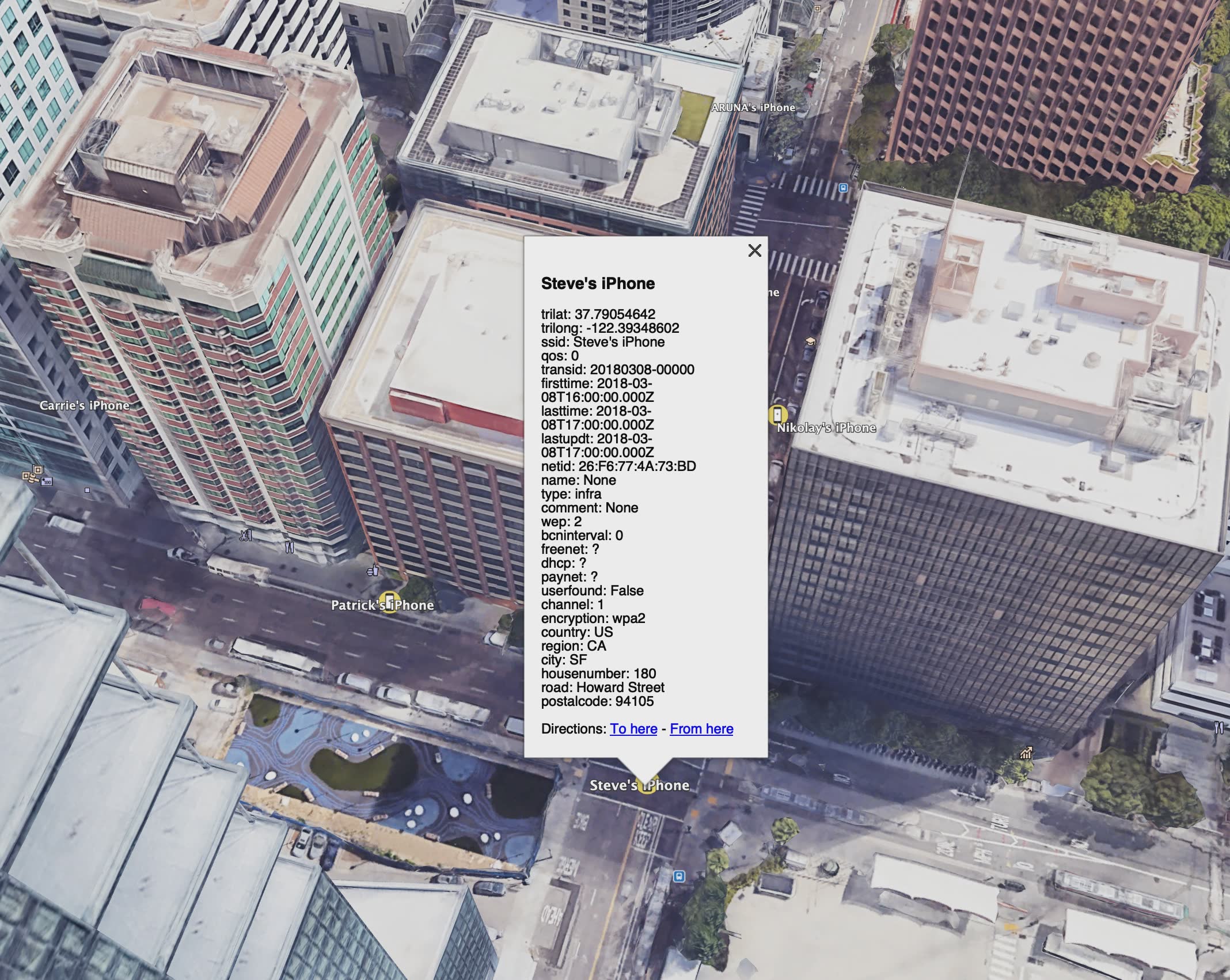
ssid>nametrilat,trilong>coordinates- All the remaining details >
description
Also we can add shared style to change the default icon for the placemark. I usually use https://www.iconfinder.com/ for icons as it’s easy to just copy icon URL .
Example of shared style code:
    <Style id="SharedStyle">
        <IconStyle>
            <Icon>
                <href>http://maps.google.com/mapfiles/kml/shapes/shaded_dot.png</href>
            </Icon>
        </IconStyle>
    </Style>
Method 1 :
- Convert JSON to CSV using this tool: http://convertcsv.com/json-to-csv.htm
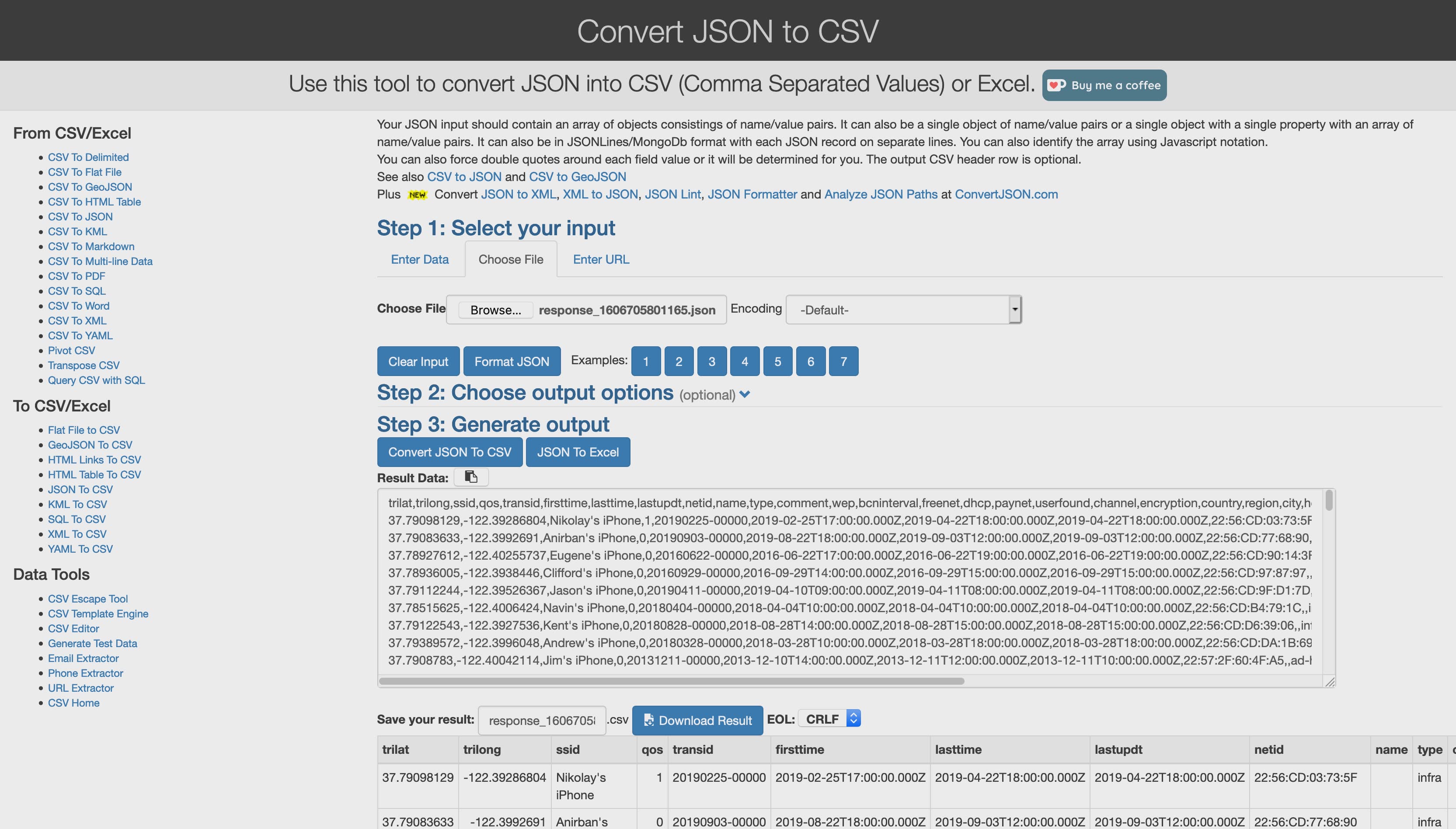
Copy or download the result (CSV) to use it in the next tool.
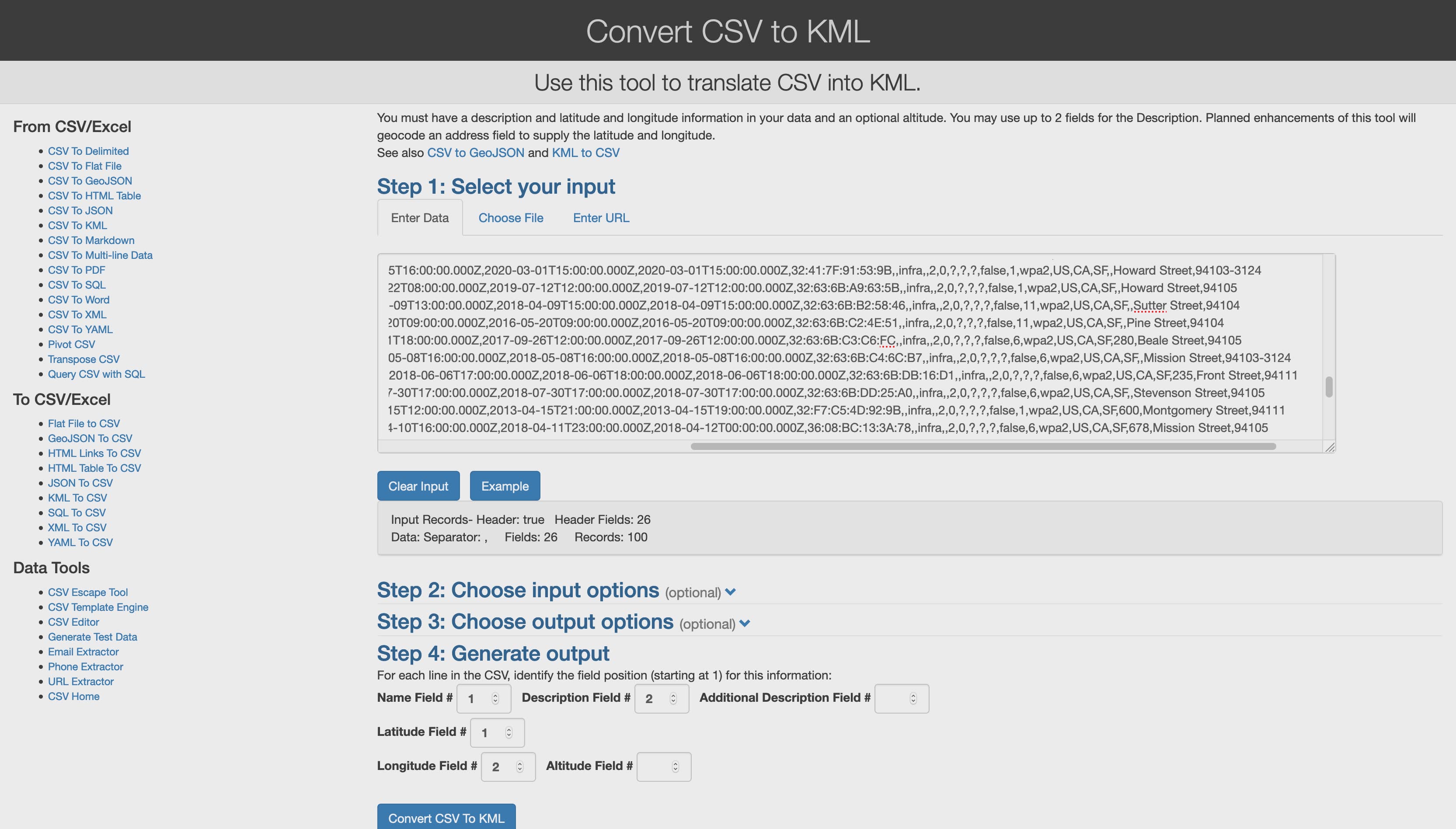
Convert CSV to KMl using this tool: http://convertcsv.com/csv-to-kml.htm
Enter fields number as following:
Method 2:
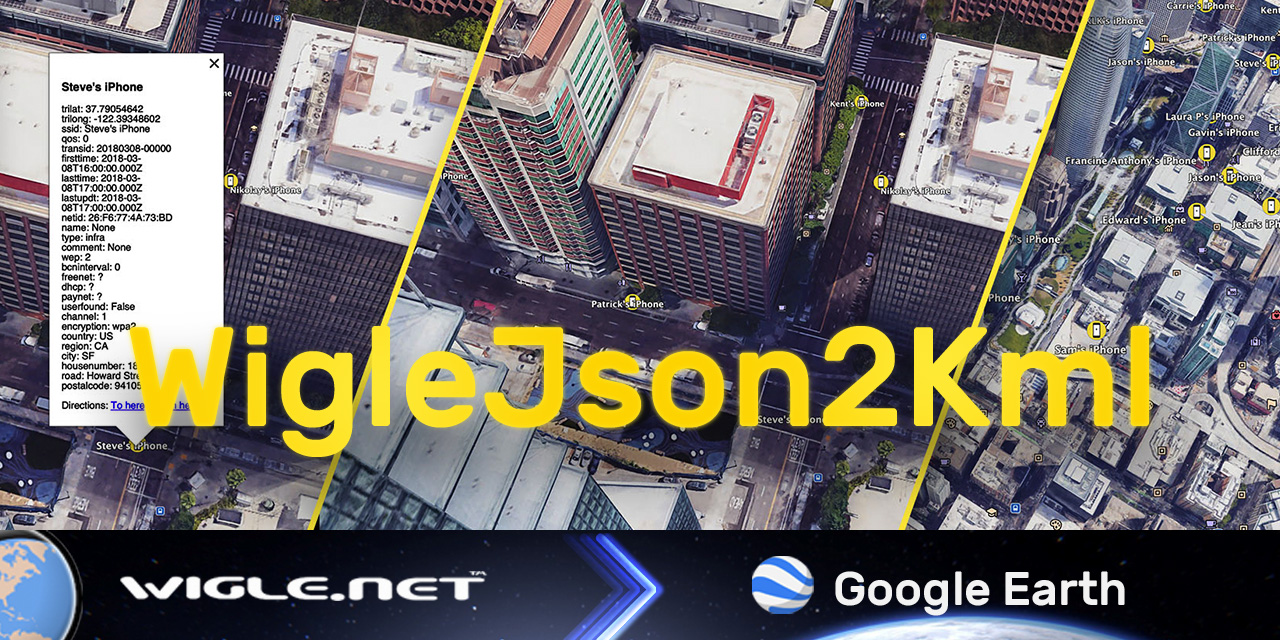
Using python module simplekml, I wrote a script to convert Wigle JSON to KML :

Enjoy!